Element Locking
Individual ARXML files or complete DaVinci Adaptive projects can be marked as read-only.
By locking, those elements are no longer available for editing. The
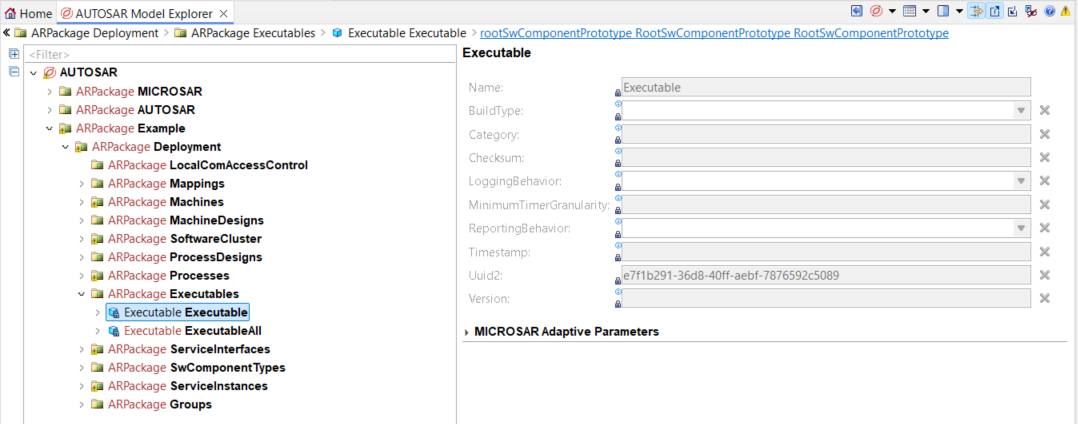
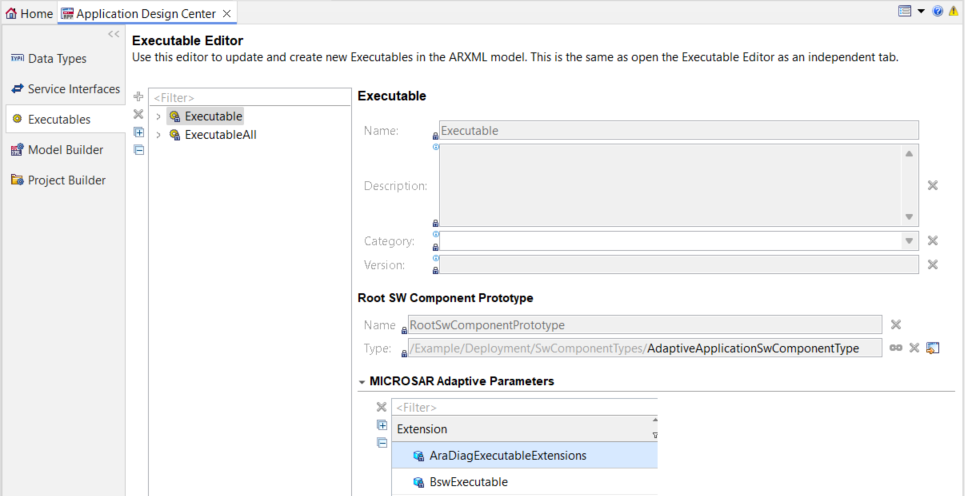
locked elements and their setting options are displayed with the
corresponding locked icon
 .
.
|
If there is a locked reference, the corresponding reference
target and all its ancestors are also marked as read-only. This is
highlighted by a separate reference locked icon
|

Lock ARXML Files
This strategy uses the read-only flag of the file system and may thus hinder modifications by external tools.
-
Open the context menu of an ARXML file and click Properties.
-
On the Resource page, activate the Read-only attribute and
-
click Apply and Close.
Lock DaVinci Developer Adaptive Project
Mark the entire project model and its dependent project models as read-only.
This strategy is efficient if all ARXML files contained within the project should be considered read-only. Moreover, it does not utilize the file system flags and thus only affects modifications done within DaVinci Developer Adaptive.
-
Open the context menu of a DaVinci Developer Adaptive project in the
 DaVinci Project Explorer and
 -
click
Lock Project Model.